QC Packing CUBING Algorithm XLINK Connectivity ShipperView Pricing
Sign In Get XENVIO Free →
ShipperView

The perfect
fulfillment station.

ShipperView is the Zero-Distraction interface designed for high-volume warehouse operators. A fully automated 6-step flow that eliminates errors and maximizes dispatch speed. Zero-Scroll Interface optimized for 10-inch industrial tablets (Zebra, Honeywell).
Try ShipperView → Book a Live Demo
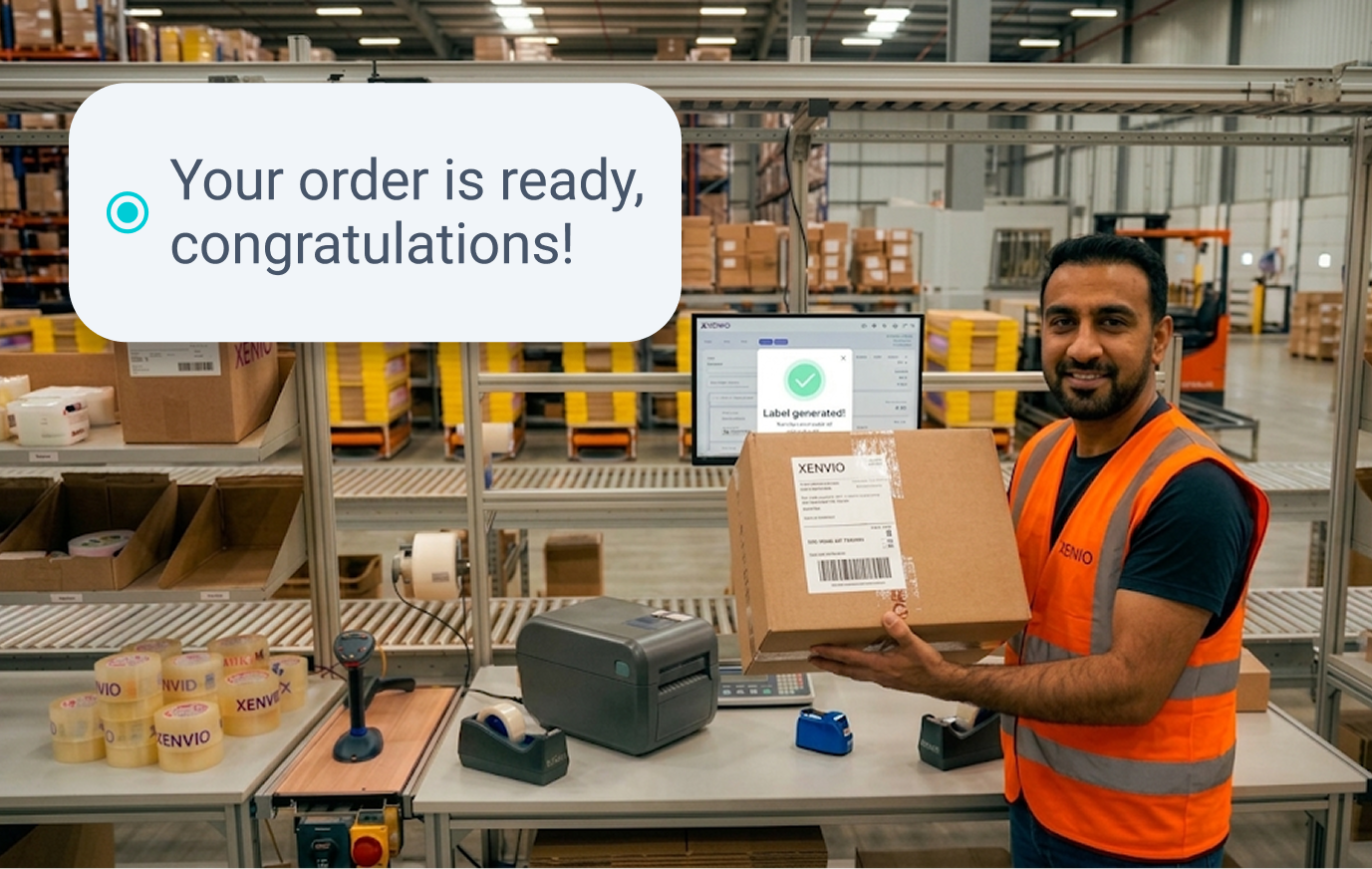
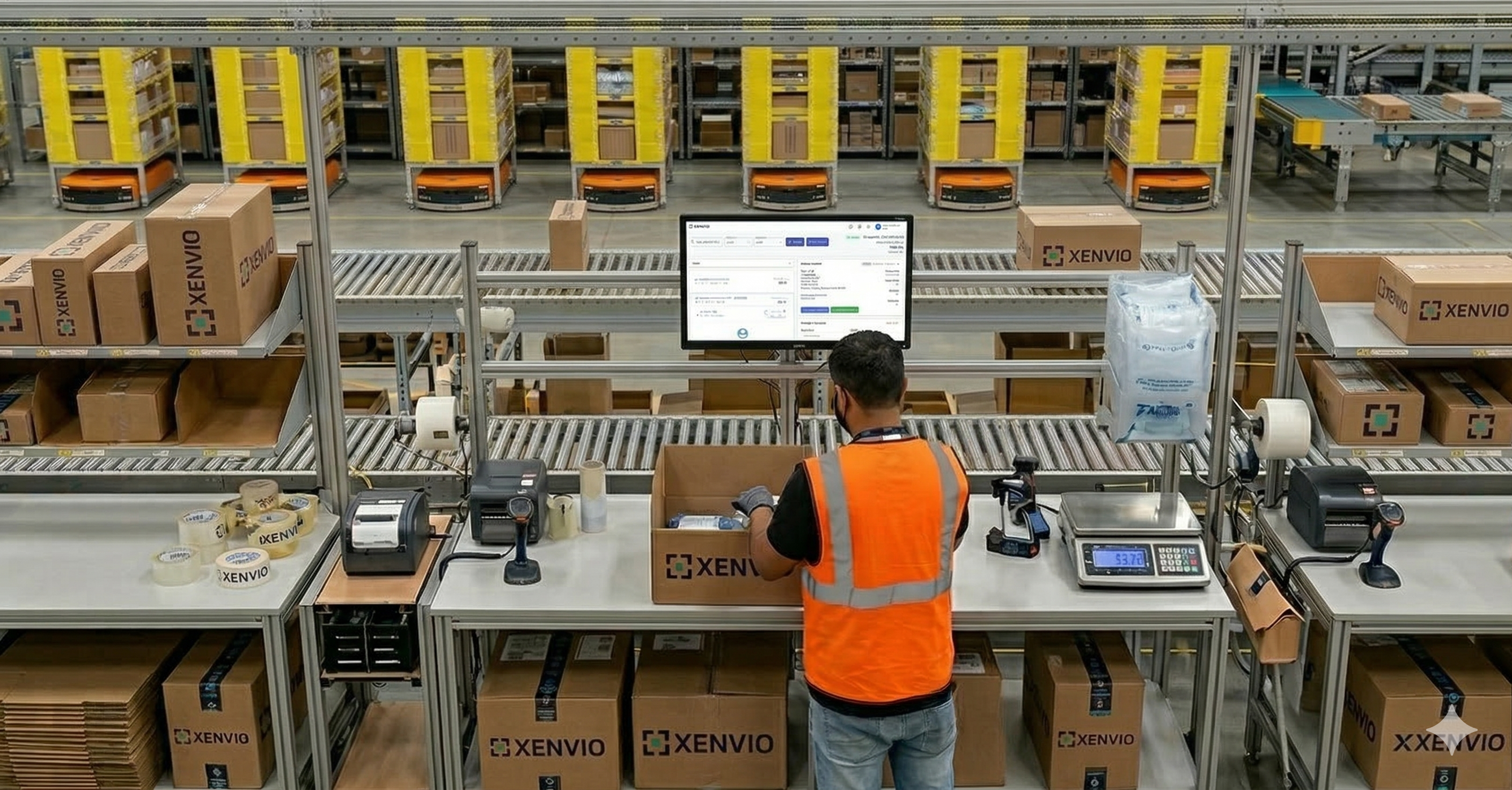
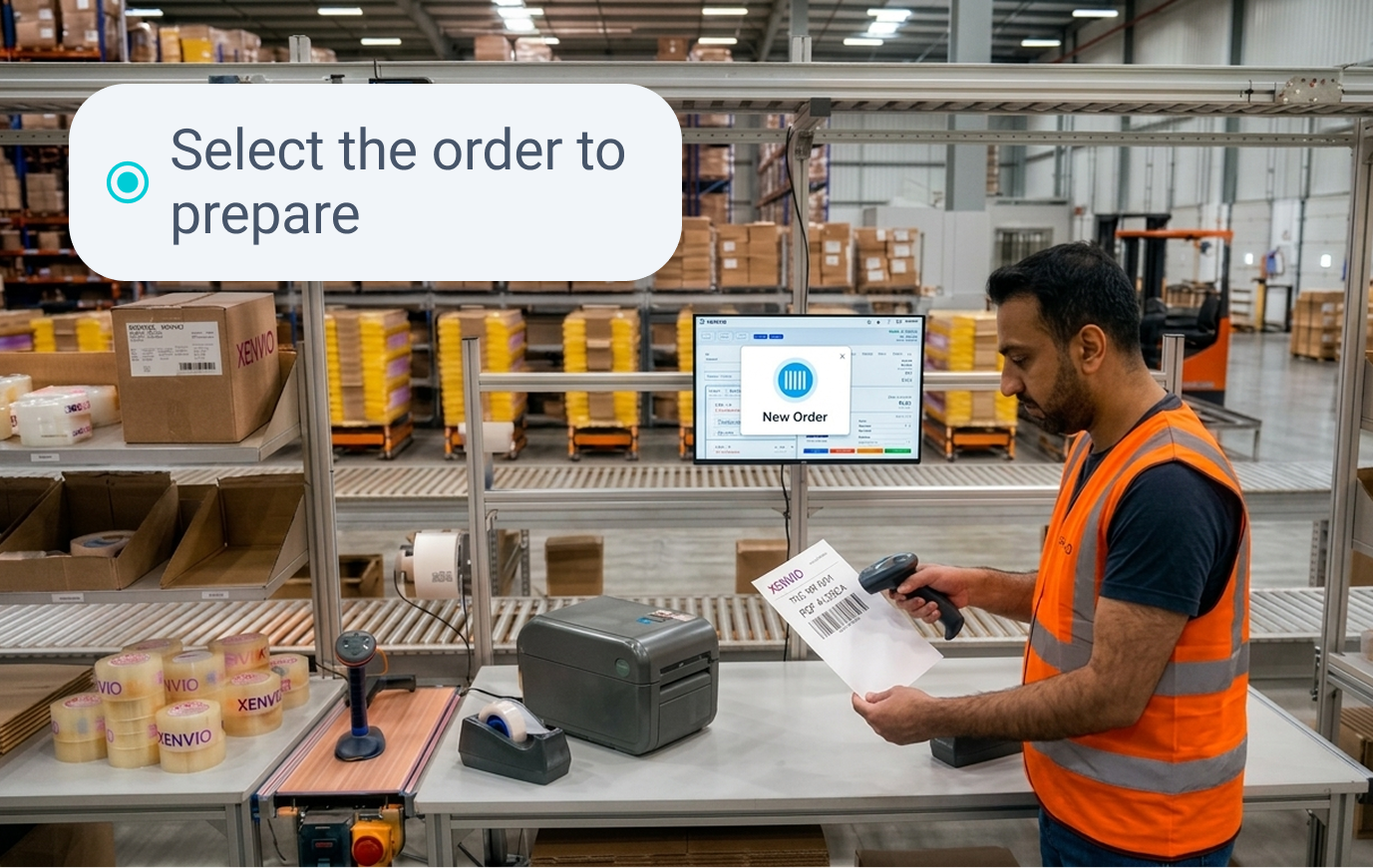
Operator using ShipperView in an XENVIO warehouse
99%
QC Accuracy
3x
More orders per hour
6 steps
Fully automated flow
0 clicks
To print a label

6 steps. Zero friction.
Zero errors.

Designed with the Zero-Distraction methodology: each step visually guides the operator, eliminates unnecessary decisions, and guarantees the integrity of every dispatch. Fully optimized for 10-inch industrial tablets with Zero-Scroll Policy — everything the operator needs fits above the fold.

1

Order Selection

Scan the order barcode or select from the "Ready to Ship" queue. The interface instantly loads all order details.

Average time: 2 sec
Step 1
2

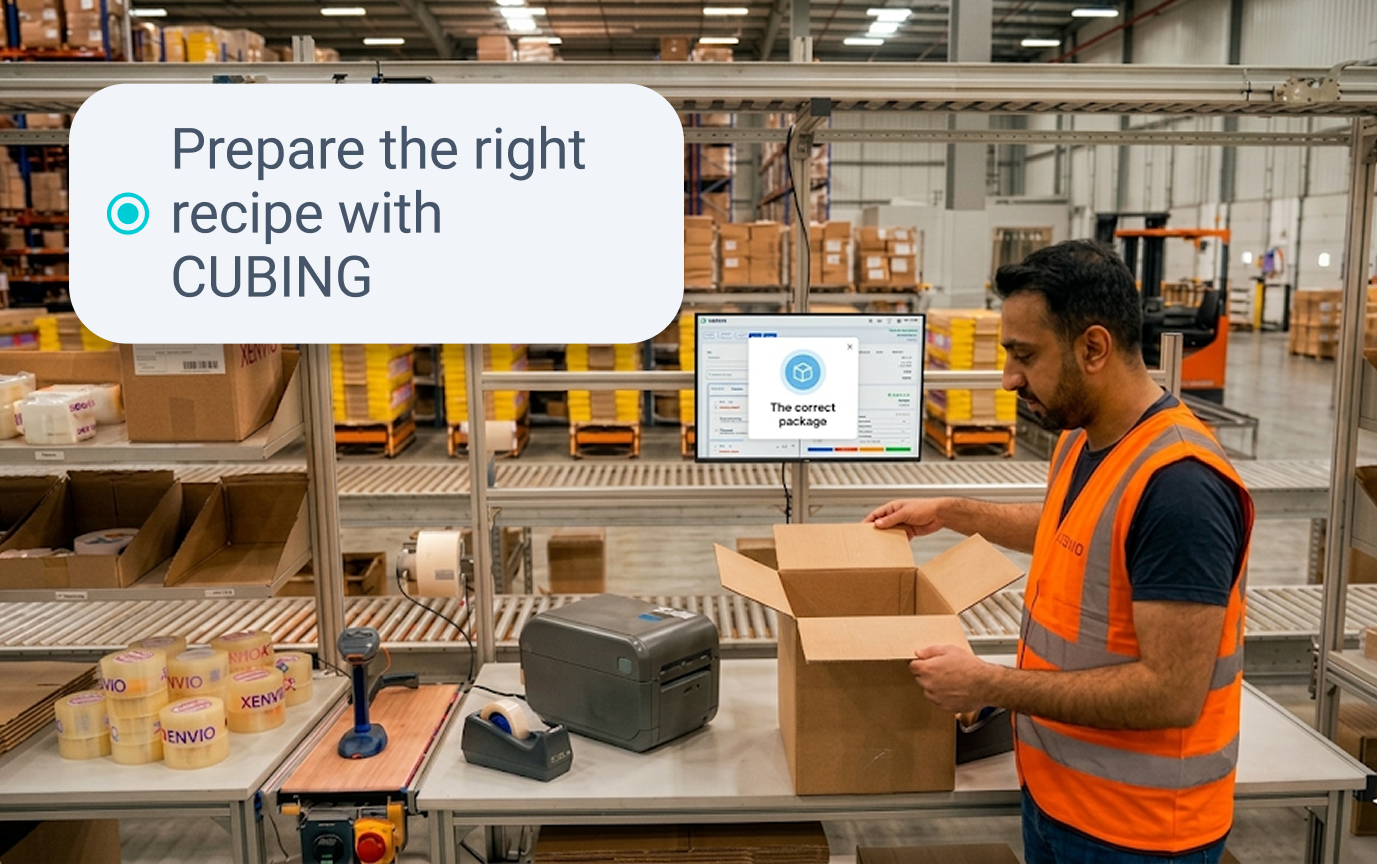
Box Selection (CUBING)

The CUBING algorithm visually displays the suggested box with exact dimensions. The operator confirms or selects an alternative with one tap.

CUBING AI active
Step 2
3

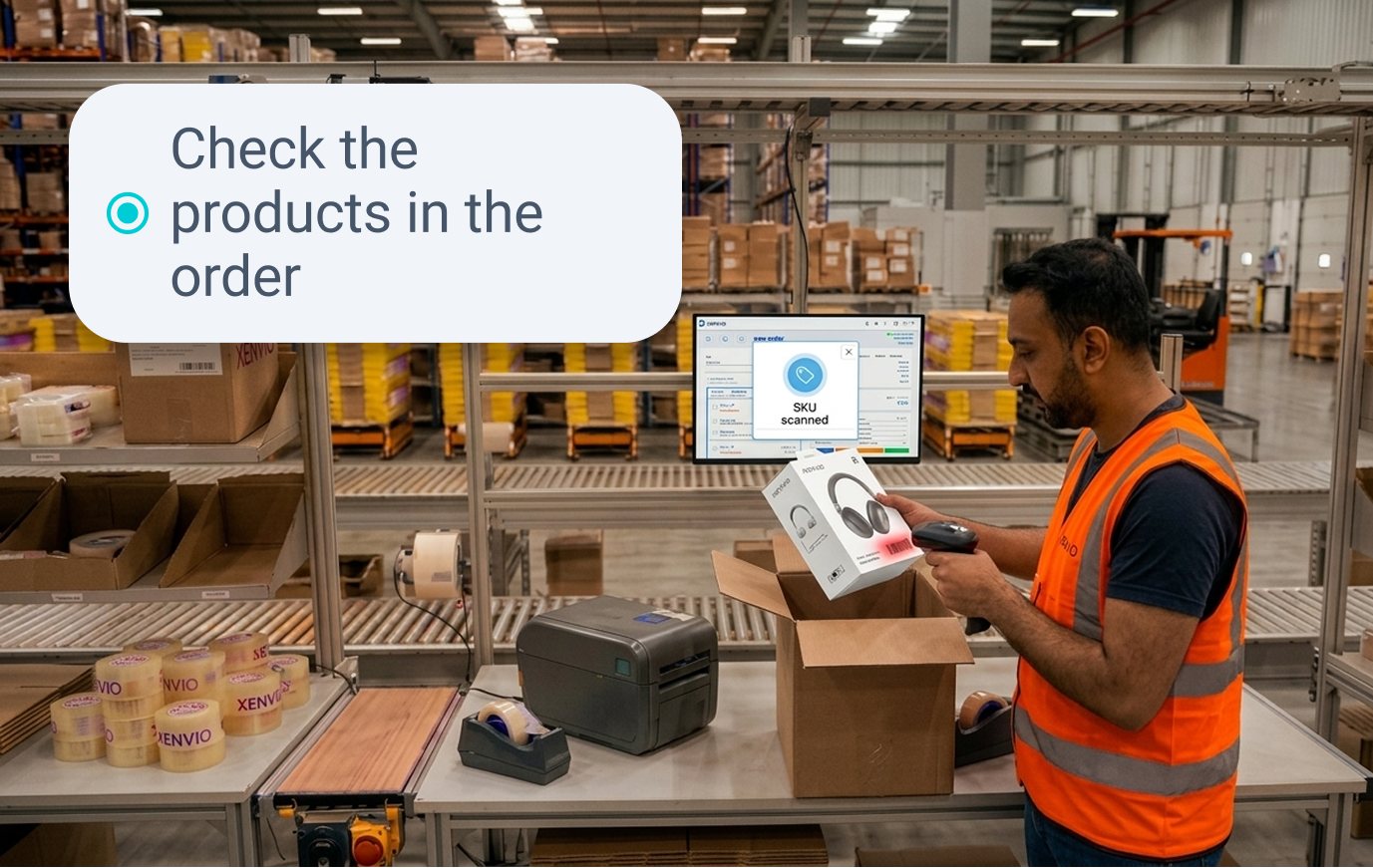
Product Scanning (QC)

The operator scans each SKU. The interface gives immediate visual feedback: GREEN = correct, RED = error. Audio signal in both cases. No label can be generated with an unresolved error.

✓ Real-time QC (Poka-Yoke)
Step 3
4

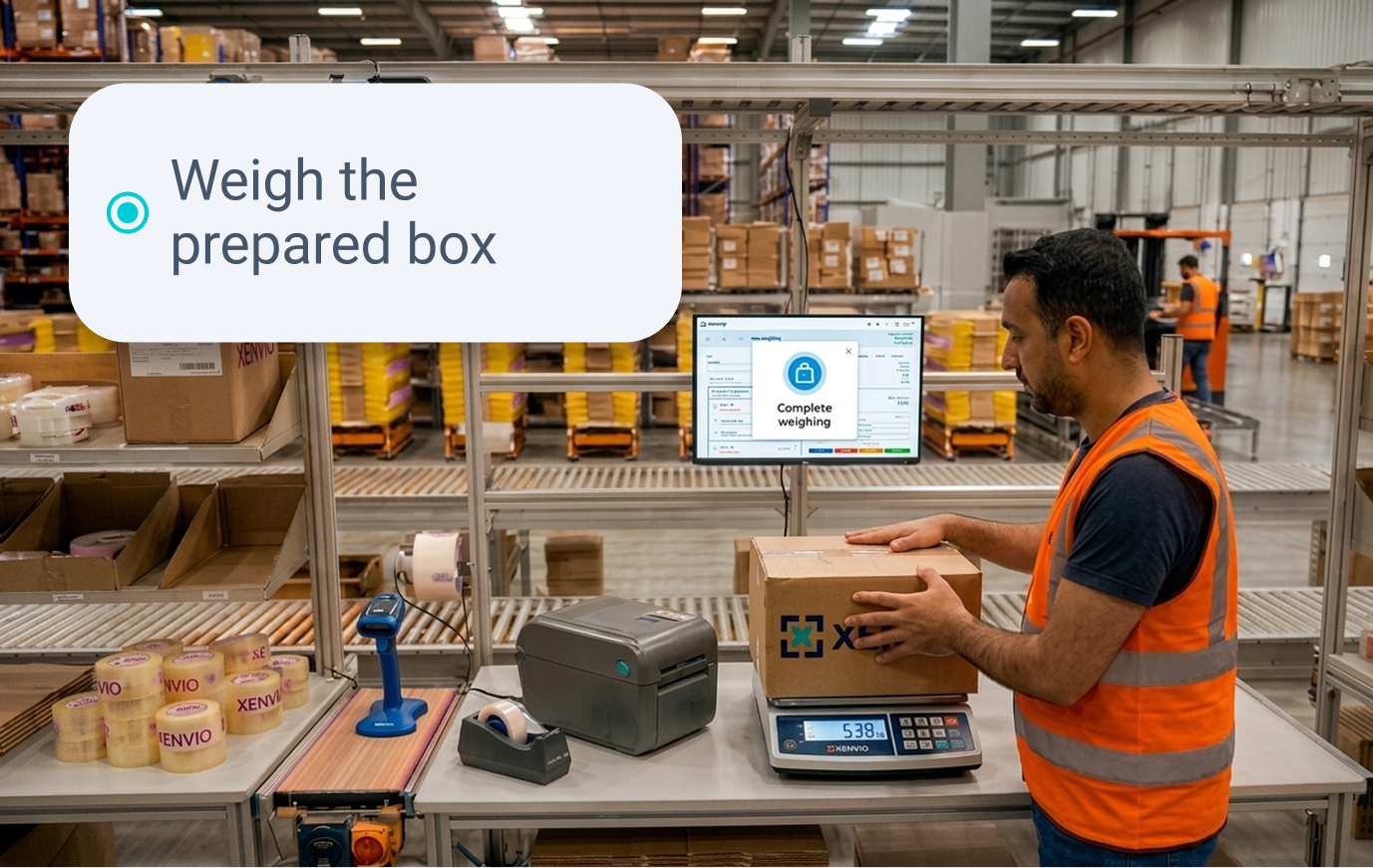
Box Weighing

Automatically captures and records the exact weight of the box using industrial scales connected via XLINK.

XLINK Integration
Step 4
5

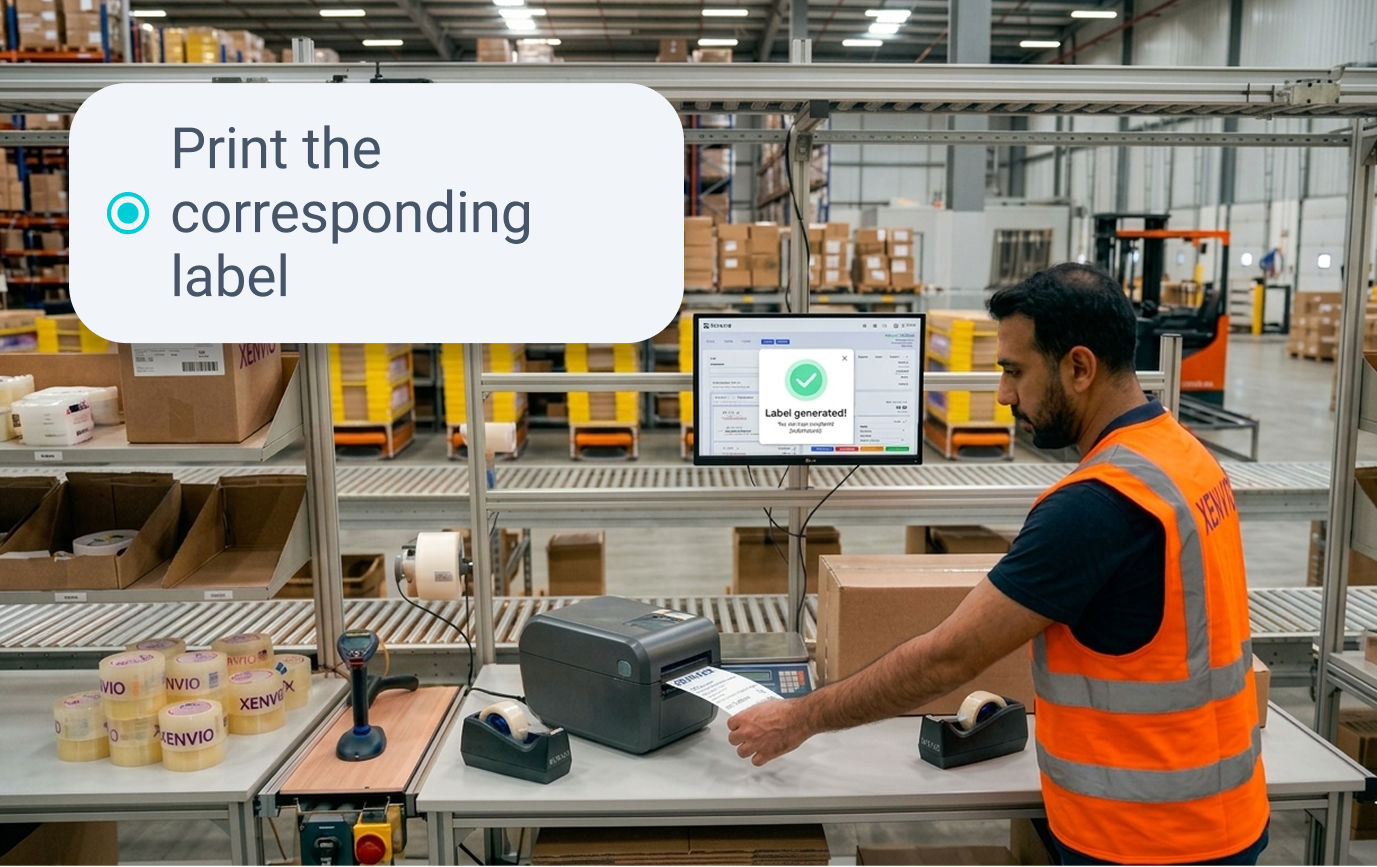
Instant Print

On confirmation, XLINK automatically fires the label to the assigned printer. No clicks, no waiting. The label and Packing Slip emerge in milliseconds via Zero-Middleware print.

Auto-print via XLINK
Step 5
6

Order Dispatch

The properly identified and weighed box is marked as ready to ship, clearing the way for the carrier pickup stage.

Ready for dispatch
Step 6

Designed for the operator,
not the manager

Every design decision in ShipperView was made with the warehouse operator in mind — processing hundreds of orders per hour under high-pressure conditions.

Mobile & Tablet First

Optimized for 10-inch industrial tablets (Zebra, Honeywell) and ruggedized smartphones. All touch elements meet the 44×44px minimum ergonomic standard.

Chromatic Coding

XENVIO Blue for navigation, Green for success, Red for critical errors. The operator knows what to do without reading a single word.

Zero-Scroll Policy

All information relevant to each step fits above the fold on a 10-inch screen. No scrolling required during dispatch. Everything the operator needs is always visible.

Audio Feedback

Confirmation sound for correct SKU and alert sound for errors. The operator can work without looking at the screen during repetitive scanning tasks.

Keyboard Shortcuts

Advanced operators can navigate the entire flow with keyboard shortcuts for maximum throughput. No mouse required.

100% Cloud-Native

All you need is a browser. No local software, no manual updates. Works from any device, scales automatically for Black Friday peaks.

From small e-commerce
to enterprise logistics hub

Ready to dispatch
at maximum speed?

Start your 14-day free trial. No credit card. Set up your first station in under 30 minutes.